
How To Make A Tire Swing Bloxburg: Easy Build Guide

Learn how to make a tire swing bloxburg style with easy building tips and backyard inspiration. Follow the guide and bring your outdoor space to life!
For players in the United States, a tire swing can give a Bloxburg yard the feel of a classic American backyard. The simplest method is to look for a ready-made tire swing in Build Mode, place it on your plot, and test its interaction. A swing made from separate shapes may look right, but its parts will not gain swing motion just because you join them.
This guide covers how to find the item, plan its spot, and fix common placement issues. Current catalog details could not be checked live, so exact prices, menu locations, and game-pass requirements are not stated as verified facts.

Choose a Working Swing or a Decorative Build
Choose an interactive swing if you want your avatar to use it. Choose a custom build if looks matter more than motion. These are two different goals, and they need different methods.
A ready-made interactive object has behavior built into the game. A custom tire, rope, and branch are separate visual parts unless the game gives those parts a specific function.
Use this table to pick your route before you spend in-game cash.
| Your goal | Best starting point | Main limit |
|---|---|---|
| Let an avatar use the swing | Find a ready-made tire swing in the catalog | Its size and design may be fixed |
| Match a custom tree or yard | Build a decorative version | It will not gain swing motion from its shape |
| Avoid buying a game pass | Check normal placement tools first | Some custom edits may need extra tools |
| Follow an older video tutorial | Check that its items and tools still exist | Updates may change the method |
Do not buy a pass just because a video uses one. First check whether the ready-made item and normal placement tools can do what you need.

What You Need Before You Start
Start with access to your plot, Build Mode, and enough in-game cash for the item you select. You do not need real tire parts, a crafting recipe, or a download from another site.
Have these things ready:
- A clear spot in your yard.
- Enough room around the planned swing.
- A way to inspect the build from more than one angle.
- Some spare in-game cash if you want to add paths, plants, or lights.
Check the item’s current price before you place it. Bloxburg’s build currency is not the same as US dollars, and a video’s old price may no longer apply.
If you want to keep costs low, place and test the swing first. Add the rest of the yard once you know the main item fits.

How to Make a Tire Swing in Bloxburg
Use the ready-made item route first. It avoids the main flaw of many custom builds: a swing that looks usable but has no interaction.
1. Enter Build Mode on your plot
Open Build Mode and move the camera to the part of the yard where you want the swing.
Pick a spot away from walls, fences, and thick plants. Leave room for an avatar to approach it, not just room for the object itself.
2. Search for the tire swing
Use the catalog search and try “tire” first, then “swing.” A short search can help if the item name differs from the wording in a tutorial.
If those searches show no useful result, browse the outdoor and seating-related sections available in your version. Check active filters, too.
Read the item’s name and description before buying. Do not assume that every object with “swing” in its name has the tire style you want.
3. Inspect the full object in preview
Look at what comes with the item before you place it. The preview should help you see whether the swing includes its own tree or support.
This check matters. If the support is part of the model, you may not need to buy a separate tree. If the model does not suit your chosen spot, move it before you build the yard around it.
4. Place and rotate the swing
Set the item on a clear patch of your plot. Rotate it so the seat faces the part of the yard where avatars will approach.
Check the view from the front, side, and back. Look for a tire hidden in leaves, a support pushed through a fence, or a seat too close to a wall.
5. Customize the available colors
Use the paint options that the object offers. Not every part of a model is always editable, so check which sections can change.
For a familiar backyard look, try a dark tire with muted support colors. Keep nearby plants low enough that the tire remains easy to see.
6. Leave Build Mode and test it
Approach the swing in normal play and look for its interaction prompt. Use the interaction offered by the game.
Check three things:
- Your avatar can reach the swing.
- The interaction appears and works.
- Nearby objects do not visibly overlap the avatar during use.
Do not judge the result from Build Mode alone. A build can look clear from above and still feel cramped at ground level.
7. Add the yard details last
Once the swing works, add a path, shrubs, a bench, or a small garden bed.
Place each extra item with access in mind. A clear route to the tire makes the space feel like a yard people use, rather than a display behind glass.

How to Build a Decorative Tire Swing
A custom tire swing is a visual prop, not a reliable way to create a working swing. Use this method only if you are happy with a static design.
Start by checking which shapes and placement tools your account can use. Tool access and object restrictions can change what is possible.
- Choose the support. Use a tree or build a frame that looks wide enough for the tire.
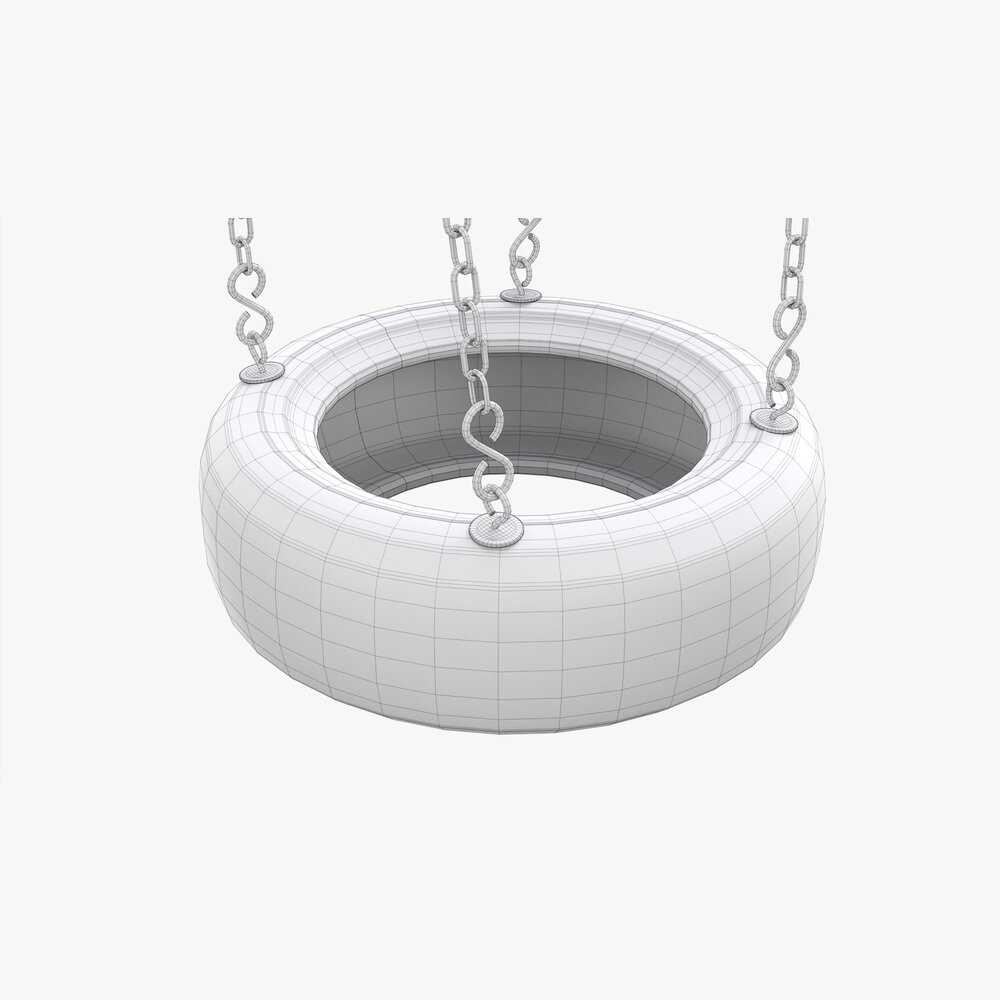
- Find a suitable tire form. Use a tire-shaped or ring-shaped object if your catalog has one. A solid cylinder will not have an open center.
- Set the tire’s position. Place it beneath the branch or crossbar, with a visible gap above the ground.
- Add the hanging detail. Use suitable narrow pieces, if available, to suggest rope or chains.
- Check each join. Make the hanging pieces appear to meet both the support and the tire.
- Inspect from ground level. Fix gaps and overlaps that the overhead view hides.
Do not assume that parts will attach, rotate, or move as a unit just because they touch. Test the tools with one small piece before you spend time on the full design.
If your available tools cannot make a convincing tire or rope, use the ready-made route instead. A simple working swing is often more useful than a complex prop that does not match your goal.

Fix Common Tire Swing Problems
Check the symptom first, then change one thing at a time. Moving several objects at once makes it harder to find the cause.
| Problem | Possible cause | First check or fix |
|---|---|---|
| No tire swing appears in search | Search wording, filters, menu changes, or item availability | Search “tire” and “swing” separately; clear filters |
| The item will not place | Plot limits, overlap, funds, or placement rules | Try a clear, flat spot and read the on-screen message |
| The swing looks buried | Ground height or placement position | Inspect it from the side and move it to level ground |
| No interaction prompt appears | The object may be decorative, or access may be blocked | Confirm the item type and clear the approach |
| The avatar overlaps a fence or plant | Too little space around the swing | Move nearby decor, then test again |
| A tutorial uses controls you do not have | Different device, tool access, or game version | Use your on-screen controls and check the tutorial date |
If the item still fails in an open test spot, check the game’s current help or update information. Avoid repeatedly buying extra parts to fix a problem that may be tied to the item or game version.

Current Information and Research Limits
The in-game catalog is the best place to confirm today’s price, availability, and placement rules. The official Welcome to Bloxburg Roblox page is a starting point for accessing the game and its official information.
No live competitor pages or current catalog entries were inspected for this guide. The steps above are a cautious build workflow, not a report of hands-on testing. Exact item costs, pass requirements, and animation details remain unverified here.
The following next questions are inferred from the build task, not from verified search-demand data.
| Next question | Reader stage | Basis | Competitor coverage | Benefit and evidence needed | Priority and placement |
|---|---|---|---|---|---|
| Will a custom build actually swing? | Before building | Inferred from the difference between appearance and interaction | Not checked | Prevents wasted effort; confirm behavior in play | High; method choice |
| Does this require a paid pass? | Before spending | Inferred from custom-tool limits | Not checked | Avoids needless purchases; check current tool access | High; prerequisites and FAQ |
| Why can’t an avatar use it? | After placement | Inferred from access and object-type issues | Not checked | Gives a useful test order; inspect the item in play | High; troubleshooting |
| Will an old tutorial still work? | During building | Inferred from changing game tools | Not checked | Prevents reliance on obsolete steps; compare current menus | Medium; troubleshooting |
The key check is simple: confirm the object’s function before you decorate around it.
FAQs
Do I need Advanced Placing to make a tire swing?
Do not assume that you do. Try the ready-made item with normal placement first. A custom design may need extra tools, but current requirements should be checked in the game before you buy a pass.
Can I make one on a phone or tablet?
Use the same basic sequence if your device supports the needed Build Mode tools. Follow the on-screen controls rather than a tutorial’s keyboard shortcuts. Check alignment from several angles, especially when working on a small screen.
Can I attach a working swing to any tree?
Do not assume that you can. A ready-made swing may include a fixed support, and separate parts do not gain working joints simply by touching. Check the actual item and its editable parts.
What if the tire swing is no longer available?
Check search terms, filters, and the current catalog first. If it is unavailable, choose another interactive swing or make a static tire-swing prop. Do not download scripts or “unlock tools” that claim to add a missing item.
How much space should I leave around it?
There is no verified universal clearance given here. Leave enough space for an avatar to approach and use the item without visible overlap. Test it in normal play, then move fences and plants as needed.
Conclusion
To make a tire swing in Bloxburg, start by searching Build Mode for a ready-made item. Place it in an open spot, check the full model, and test its interaction before adding yard decor.
If you choose a custom design, treat it as a visual prop unless the game explicitly provides working behavior. Your next step is to search “tire” and “swing” in the current catalog, then test the best match on a clear part of your plot.